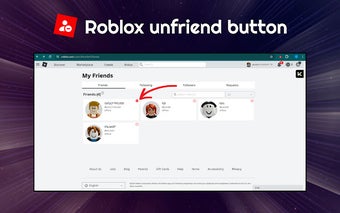
Navigating the social landscape of Roblox is a key part of the gaming experience, but sometimes you need to manage your connections effectively. This comprehensive guide will walk you through exactly how do you unfriend someone on Roblox, whether you're playing on PC, Mac, or mobile devices. For busy adult gamers who balance work, family, and limited playtime, ensuring your in-game social circle remains positive and enjoyable is crucial for relaxation and fun. We'll cover step-by-step instructions, discuss why you might choose to unfriend someone, and clarify the differences between unfriending and blocking. Understanding these mechanics empowers you to curate your online interactions, maintain a healthy digital environment, and prevent unwanted distractions, allowing you to focus on skill-building and genuinely engaging with friends. Stay current with your social list management to optimize your Roblox adventures, ensuring every minute you spend gaming is stress-free and rewarding. This informational resource provides practical solutions for common social pain points, enhancing your overall gameplay.
How Do I Find Someone to Unfriend on My Roblox Friend List?
The easiest way to locate a specific player you wish to unfriend on Roblox is to first log into your account, then navigate to the Friends section. You can use the search bar within your friend list by typing their username. Once found, click on their profile to access their friend options and proceed with the unfriend process.
Will Unfriending Affect Our Shared Game Experiences?
Yes, unfriending someone on Roblox will remove their ability to directly join your private servers unless specifically invited, and you will no longer see them as a "friend" in public servers or friend-only experiences. This action primarily impacts direct social interactions and shared game access tied to your friend status, giving you more control over your social gaming environment.
Is There a Limit to How Many Friends I Can Unfriend at Once?
Roblox does not impose a specific daily or session limit on how many friends you can unfriend. However, the process is done individually for each friend. There isn't a bulk unfriend option, so if you're cleaning up a large friend list, you'll need to go through each profile one by one to remove them.
What If I Accidentally Unfriend Someone I Still Want to Play With?
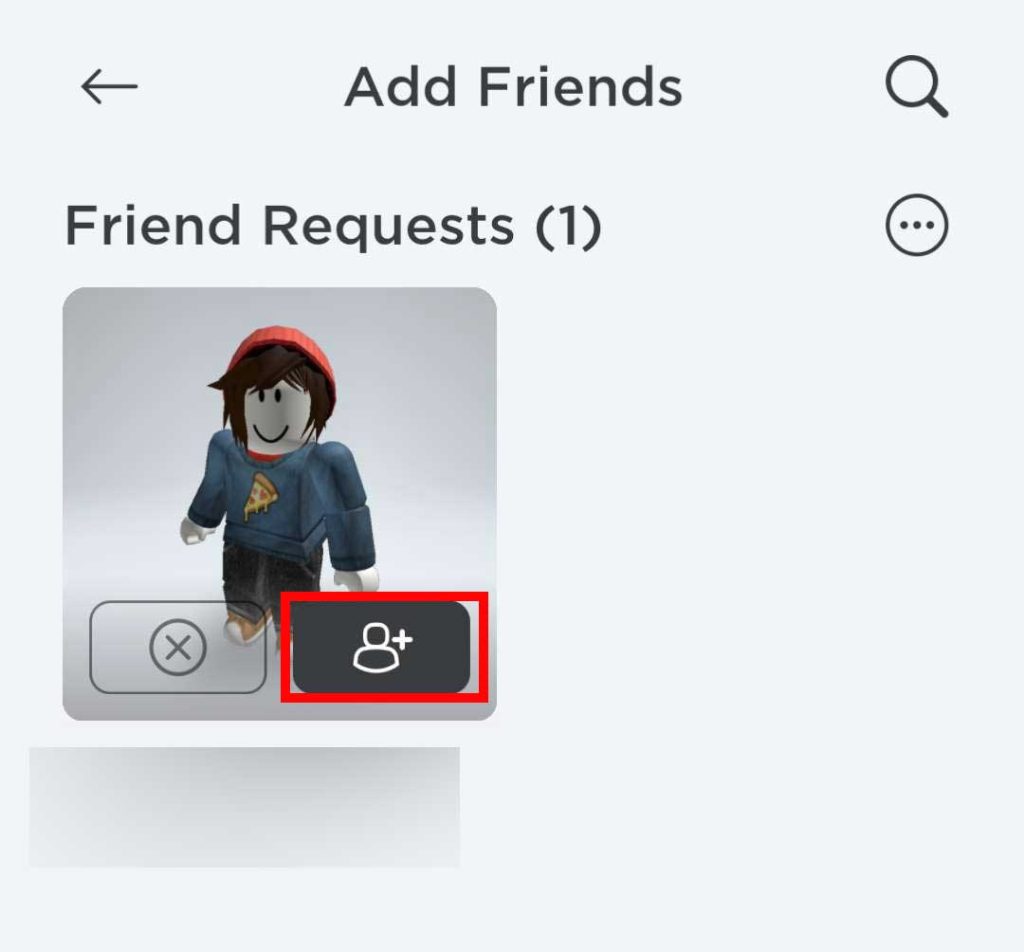
If you accidentally unfriend someone on Roblox, don't worry the action isn't irreversible. You can simply send them a new friend request. As long as they accept it, you'll be friends again. It's always a good idea to confirm before unfriending, especially if you're unsure.
Does Unfriending Someone Also Prevent Them From Messaging Me?
Unfriending alone does not automatically block someone from messaging you if their privacy settings allow non-friends to send messages. To fully prevent contact, including messages, you would also need to utilize the "Block User" feature. This ensures they cannot send you messages, join your games, or see your activity.
How Can I Tell If Someone Has Unfriended Me on Roblox?
Roblox does not send notifications when someone unfriends you. To check if someone has unfriended you, you would typically go to your friend list and search for their username. If they no longer appear on your list, or if their profile now shows a "Send Friend Request" button instead of "Friends," then they have likely unfriended you.
Can I Unfriend Someone Who Is Currently Online and Playing a Game?
Yes, you can unfriend someone on Roblox regardless of their online status. Whether they are currently playing a game, offline, or active on the platform, the unfriend action will take effect immediately. Their status will simply change from "friend" to a regular player on your end.
For many adult gamers, Roblox isn't just a platform; it's a vibrant social hub, a place to unwind, build, and connect with friends after a long day of work and family commitments. We all value our gaming time, often averaging 10+ hours a week, and want it to be a source of relaxation and fun, not stress. But what happens when a friend connection sours, or an old friend becomes inactive? Managing your digital social circle is just as important as your real-world one. That's why knowing how do you unfriend someone on Roblox is an essential skill for maintaining a positive and optimized gaming experience. You want to ensure your online spaces are filled with people who enhance your playtime, not detract from it. This guide is designed for you, the busy gamer, to quickly and efficiently take control of your friend list, whether you're on a PC, Mac, or your preferred mobile device, which for 60% of US gamers is often the go-to for quick sessions. Let's dive into making your Roblox world a more enjoyable place.
We understand that your time is valuable, and you’re looking for practical solutions. This article will cut through the fluff, providing clear, actionable steps and insights to help you manage your Roblox friendships. From dealing with a toxic player to simply tidying up an overflowing friend list, we’ve got you covered. By the end, you’ll be an expert at curating your Roblox social environment, ensuring every moment you spend in-game contributes to skill-building, social fun, and pure relaxation.
How Do You Unfriend Someone on Roblox on PC or Mac?
Unfriending someone on Roblox via your computer is a straightforward process, designed for quick action. Most US gamers, even those who primarily use mobile, will occasionally use a desktop for more detailed management. Here’s a step-by-step guide to help you clean up your friend list efficiently:
- Log into Your Roblox Account: First, open your preferred web browser (Chrome, Edge, Firefox, etc.) and go to the official Roblox website. Log in using your username and password.
- Navigate to the Friends Section: Once logged in, look for the 'Friends' icon or link on the left-hand navigation bar. It typically looks like two silhouetted figures. Click on it to open your friend list.
- Locate the Friend: Scroll through your list to find the specific friend you wish to unfriend. If your list is long, you can use the search bar at the top of the Friends page by typing their username.
- Visit Their Profile: Click on the friend's username or avatar to go to their individual profile page.
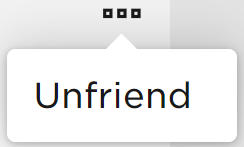
- Click the Unfriend Button: On their profile page, located usually near their username or below their avatar, you will see a green 'Friends' button. Hover over it, and it will change to an 'Unfriend' option, or you might see a '...' (three dots) menu next to it. Click the 'Unfriend' button directly or select 'Unfriend' from the '...' menu.
- Confirm the Action: A confirmation pop-up will appear, asking if you are sure you want to unfriend this user. Confirm your choice. Once confirmed, they will be removed from your friend list, and you from theirs.
This process is quick and effective, ensuring you can manage your connections without wasting valuable gaming time. Remember, a streamlined friend list means a more focused and enjoyable gaming session, something 87% of active US gamers prioritize.
What's the Process to Unfriend on Roblox Mobile (iOS/Android)?
Given that mobile gaming dominates the landscape for many, especially those fitting in quick sessions between life commitments, knowing how to unfriend on the Roblox mobile app is essential. The process is intuitive and very similar across iOS and Android devices, catering to the growing trend of social gaming on the go. Many gamers find the mobile app convenient for managing quick social tasks.
- Open the Roblox App: Launch the Roblox application on your smartphone or tablet. Ensure you are logged into your account.
- Access Your Friends List: Tap the 'Friends' icon at the bottom of the screen. This icon typically looks like two people.
- Find the User: Scroll through your friends list or use the search bar at the top to find the specific player you want to unfriend.
- Go to Their Profile: Tap on their name or avatar to open their profile page within the app.
- Tap the Unfriend Option: On their profile, you will see a 'Friends' button, often with a checkmark. Tap this button. A menu will usually pop up with options. Select 'Unfriend' from this list.
- Confirm Your Choice: The app will ask for confirmation. Tap 'Unfriend' again to finalize the removal.
The mobile experience is optimized for touch interaction, making it easy to manage your social connections on the fly, whether you're waiting for a coffee or unwinding on the couch. This flexibility helps gamers maintain their social hygiene in-game without it feeling like a chore.
Why Would I Need to Unfriend Someone on Roblox?
Unfriending isn't always about conflict; it's often about curating your gaming environment to be as enjoyable and stress-free as possible. For adult gamers, who often seek relaxation and escape in their virtual worlds, a healthy friend list is paramount. Here are common reasons why you might choose to unfriend someone:
- Toxic Behavior: Unfortunately, not everyone on Roblox is friendly. Persistent harassment, bullying, or negative attitudes can ruin the fun. Removing such individuals protects your peace of mind.
- Inactivity: Many players accumulate friends over time who eventually stop playing. A long list of inactive friends can clutter your feed and make it harder to find active players you genuinely enjoy.
- Accidental Adds: Sometimes, friend requests are sent or accepted by mistake. Unfriending corrects these errors without much fuss.
- Privacy Concerns: You might have added someone you no longer feel comfortable sharing your in-game activities with, especially if your privacy settings allow friends more access.
- Decluttering: Just like your physical space, your digital space can benefit from a good clean-up. A smaller, more relevant friend list enhances the social aspect by focusing on quality connections.
- Performance Optimization: While not a direct system performance boost, a more curated friend list allows for better social performance, letting you quickly invite and play with desired companions, which is key for efficient gaming sessions.
Remember, your Roblox experience is yours to control. Removing negative or irrelevant connections is a valid step towards optimizing your fun and relaxation.
Is There a Difference Between Unfriending and Blocking on Roblox?
Yes, there's a significant difference between unfriending and blocking on Roblox, and understanding when to use each is crucial for effective social management, especially when dealing with problematic interactions. Many gamers, particularly those balancing family life and gaming, need clear-cut solutions for privacy and peace.
- Unfriending: This action primarily removes a user from your friends list, and you from theirs. They will no longer appear as a friend, and you won't be able to see their direct activity updates. They also won't be able to join your private servers unless invited. However, if your privacy settings allow, they might still be able to message you or encounter you in public games. It's a social disentanglement.
- Blocking: This is a more comprehensive action. When you block a user, you effectively cut off all direct interaction. They cannot send you messages, send you friend requests, join your games (even public ones if you're present), or see your in-game activity. They also can't send you trade requests. Blocking is best reserved for users exhibiting persistent harassment, inappropriate behavior, or any interaction that genuinely makes you uncomfortable. It’s a full communication and interaction cutoff.
In short, unfriend to tidy up your list or distance yourself from inactive players. Block to prevent any unwanted contact or to deal with toxic behavior. Most gamers will find themselves unfriending more often, but blocking is a powerful tool when needed.
Can a Person Tell if I Unfriend Them on Roblox?
Roblox does not send a direct notification to a user when they are unfriended. This is a deliberate design choice that respects the unfriender's privacy and minimizes potential drama. However, an unfriended person can indirectly discover they've been removed from your list.
Here's how they might notice:
- Checking Their Own Friends List: If they go to their 'Friends' section and search for your username, they will find you are no longer there.
- Visiting Your Profile: If they navigate to your profile page, instead of seeing the 'Friends' button, they will see an option to 'Send Friend Request'.
- Inability to Join Your Private Server: If you have a private server that only friends can join, they would be unable to access it.
- Absence in Shared Game Lobbies: While you can still encounter them in public servers, they won't show up in friend-specific sections or be easily found through your friend-tracking features.
So, while there's no explicit alert, the absence of friendship status becomes apparent upon checking. This subtle approach allows you to manage your social connections without necessarily triggering direct confrontation, which is often appreciated by adult gamers seeking a peaceful online experience.
How Do I Manage My Roblox Friend List Effectively?
Managing your Roblox friend list isn't just about removing people; it's about proactively creating a positive and efficient social gaming environment. For gamers balancing life, an optimized friend list means less friction and more fun. Think of it as digital decluttering. This month, with social gaming trends continuing to soar, a well-managed friend list is key.
- Regular Review: Make it a habit to periodically (perhaps once a month or every few weeks) scroll through your friend list. Look for inactive accounts or people you no longer interact with.
- Prioritize Quality Over Quantity: Don't feel pressured to have hundreds of friends. Focus on connecting with players you genuinely enjoy playing with or who contribute positively to your experience.
- Be Selective with Requests: Before accepting a friend request, consider if you know the person, if you've enjoyed playing with them, or if you share common interests. Don't auto-accept everyone.
- Utilize Privacy Settings: Beyond unfriending, adjust your general Roblox privacy settings to control who can message you, chat with you, or join your games. This adds an extra layer of protection.
- Communicate (When Appropriate): For real-life friends or long-term online acquaintances, if you're unfriending for reasons other than toxicity, a quick message beforehand explaining why (e.g.,
Easily unfriend players on Roblox across PC, Mac, and mobile. Understand the clear steps for managing your friend list. Learn why and when to unfriend or block a user for a better gaming experience. Discover how unfriending impacts your privacy and game interactions. Optimize your Roblox social environment with practical tips.
35#1 Gallery how do you unfriend someone on roblox

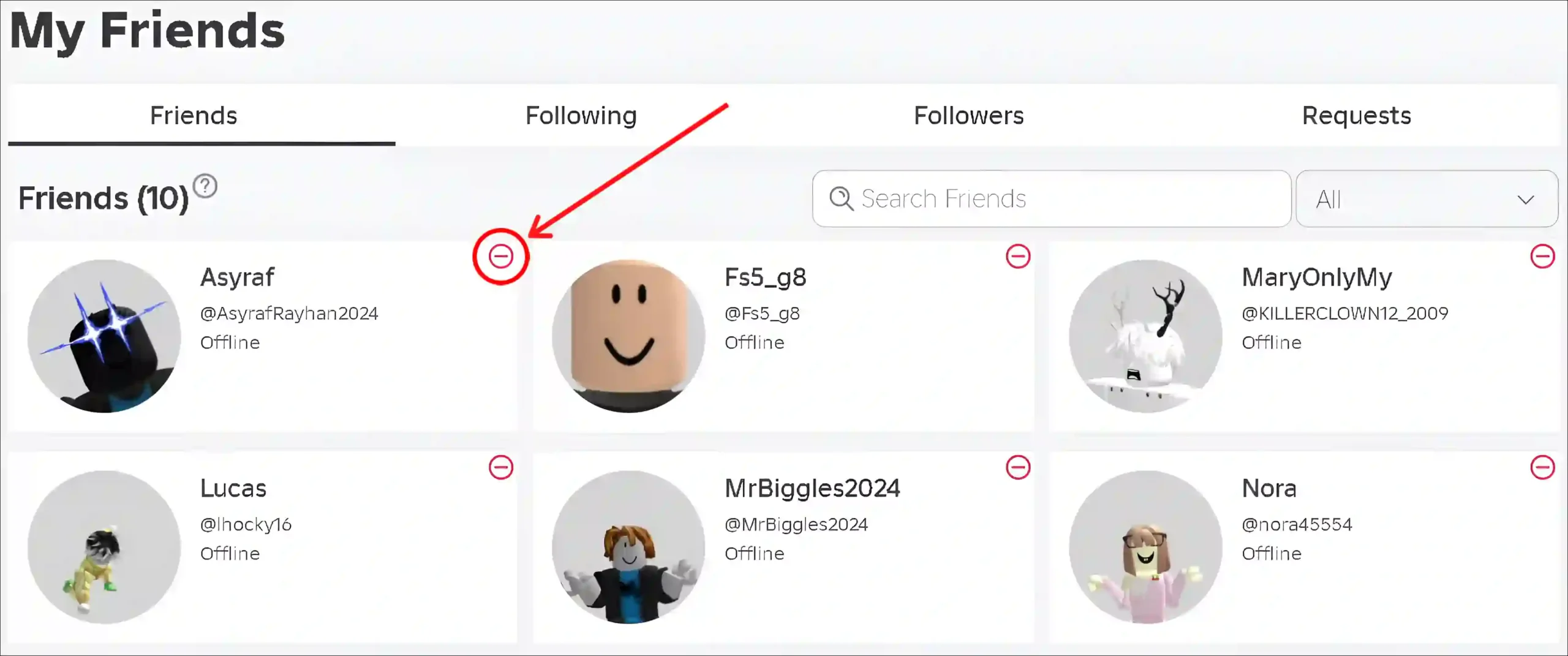

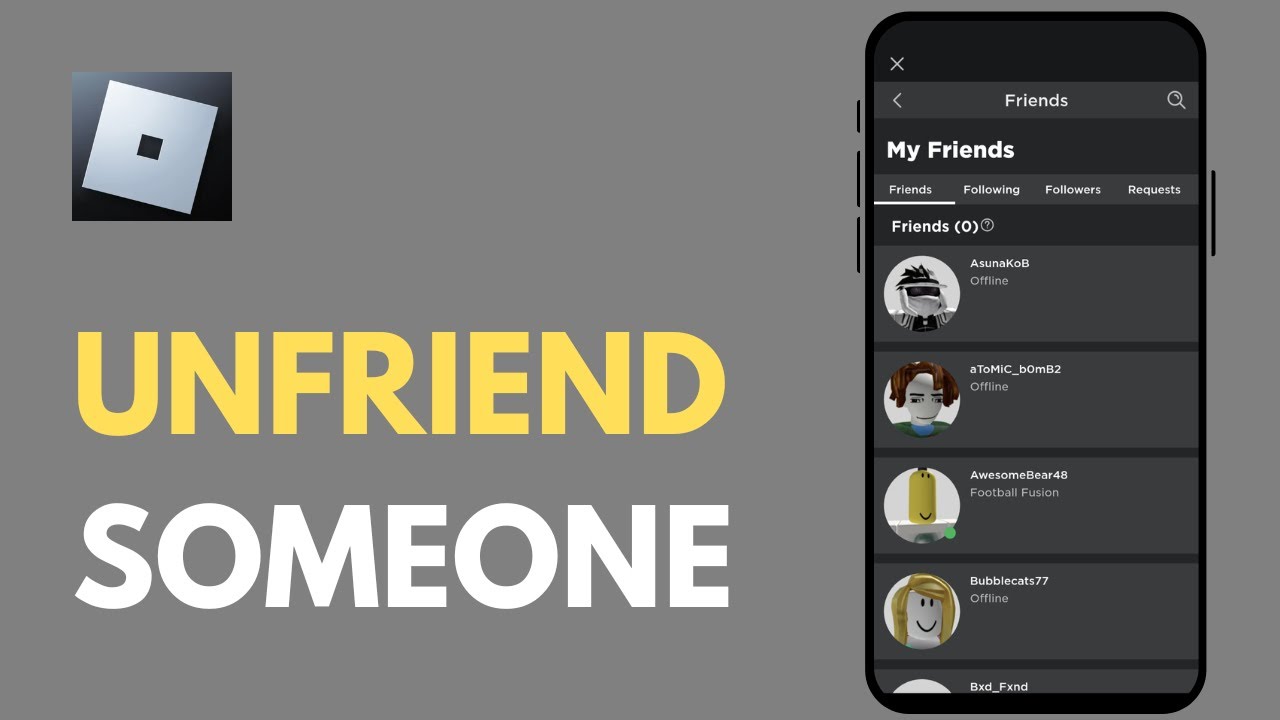
How To Unfriend People Fast In Roblox YouTube . HOW TO UNFRIEND PEOPLE FAST ON ROBLOX HOW TO UNFRIEND EVERYONE AT . How To Unfriend People On Roblox Fast On Mobile PC Unfriend Someone On Roblox Fast On Pc Scaled.webp. How To Unfriend Someone On Roblox Updated YouTube . How To Unfriend Someone On Roblox YouTube
#2 Gallery how do you unfriend someone on roblox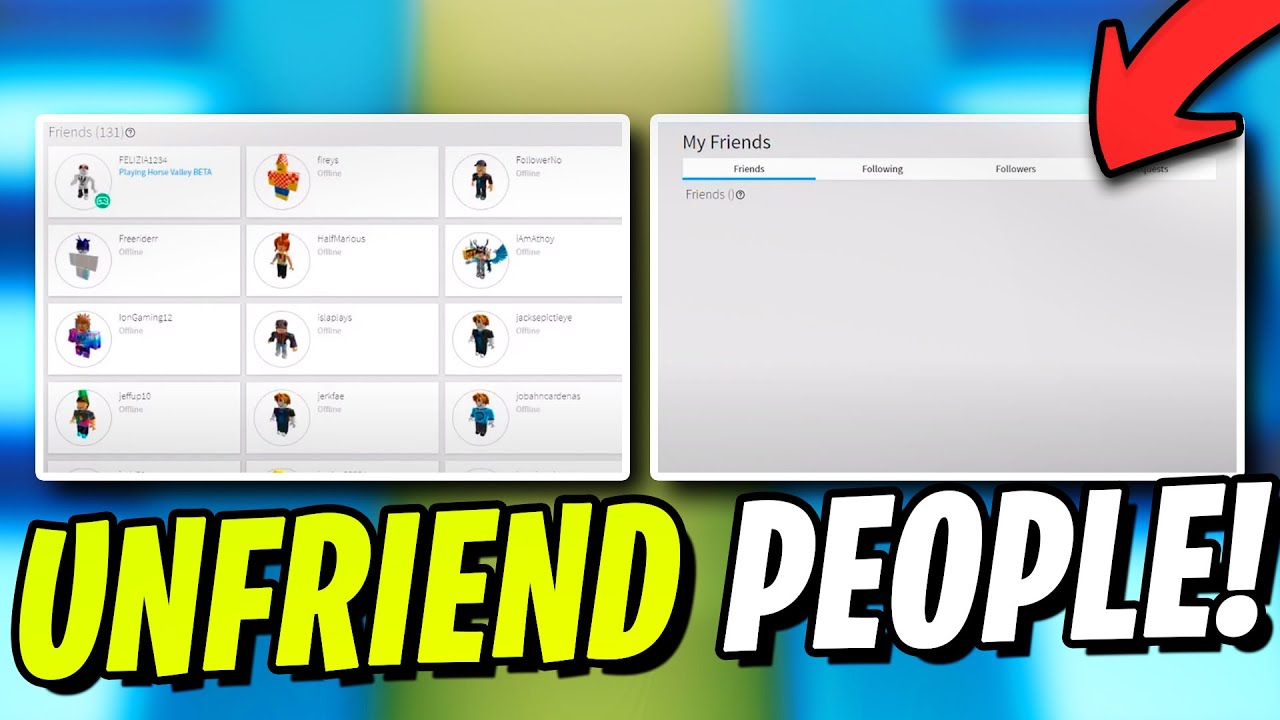


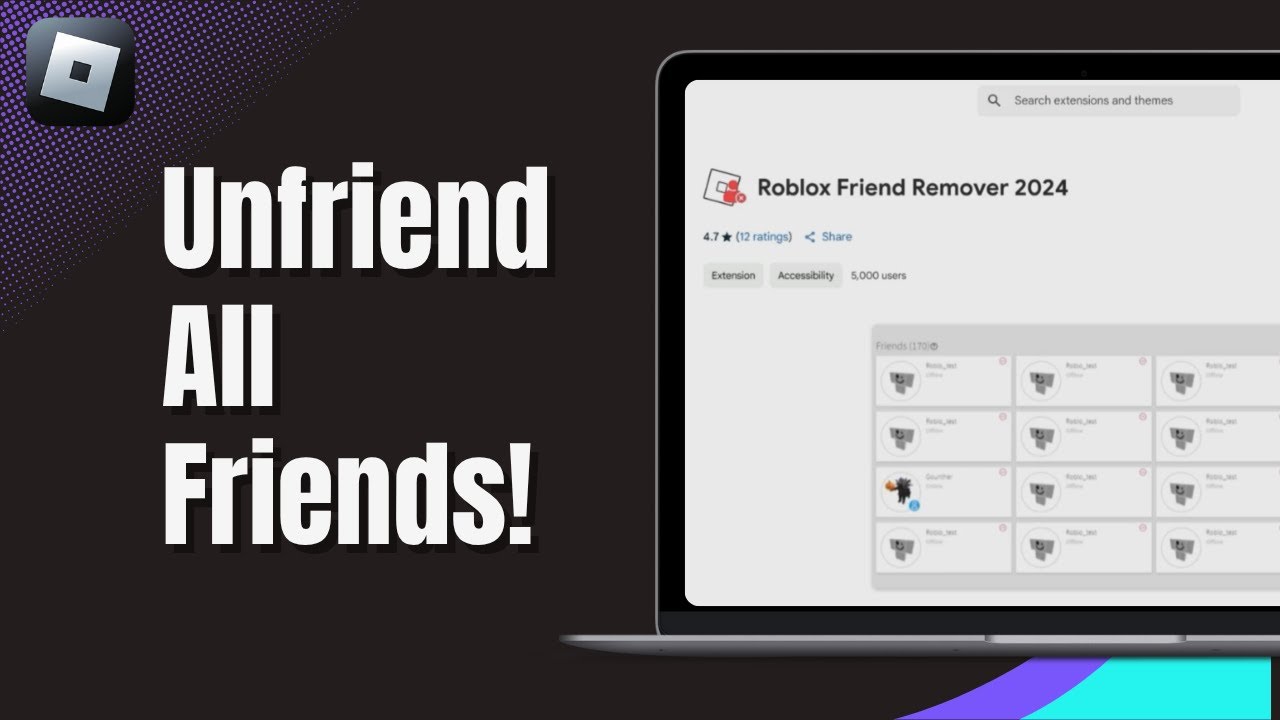
Roblox Unfriend Button For Google Chrome Extension Download Roblox Unfriend Button Screenshot. How To Unfriend People Fast On Roblox YouTube . How To Unfriend People Fast On Roblox Remove Friends In Roblox . How To Unfriend People Fast In Roblox 2024 Delete Friends In Roblox . How To Unfriend All Friends On Roblox At Once 2025 Bulk Removal Guide
#3 Gallery how do you unfriend someone on roblox
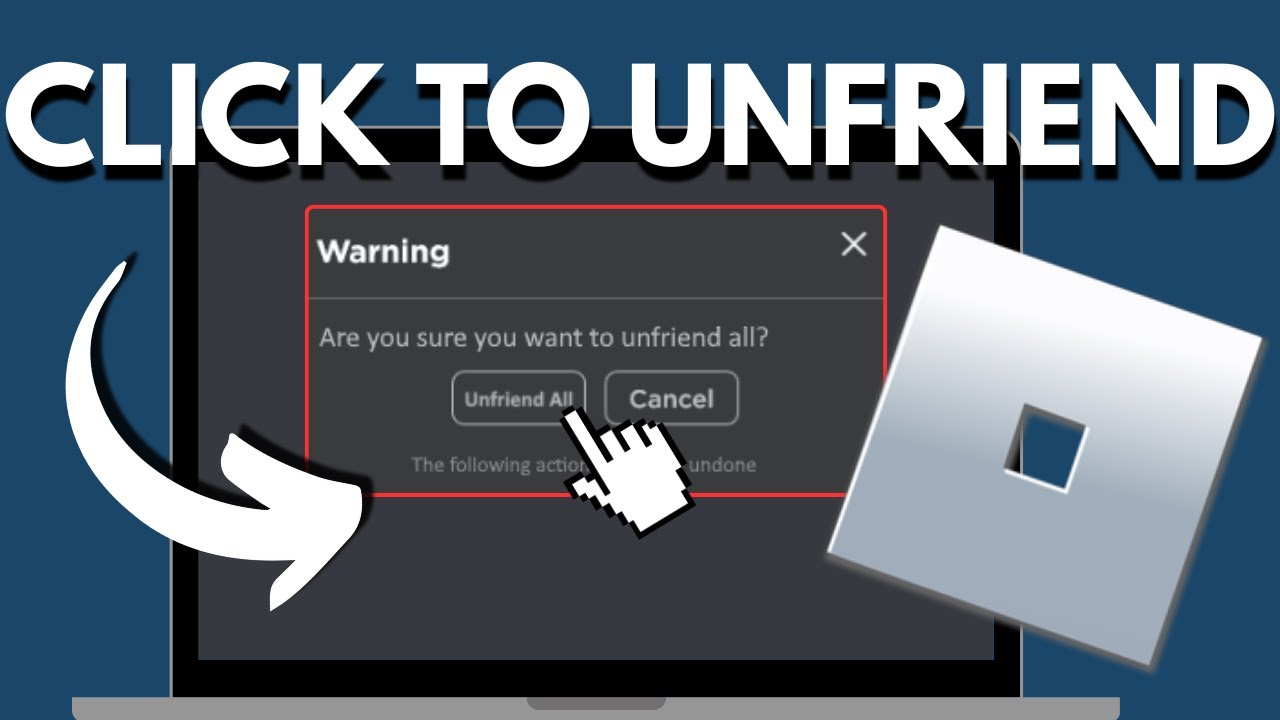
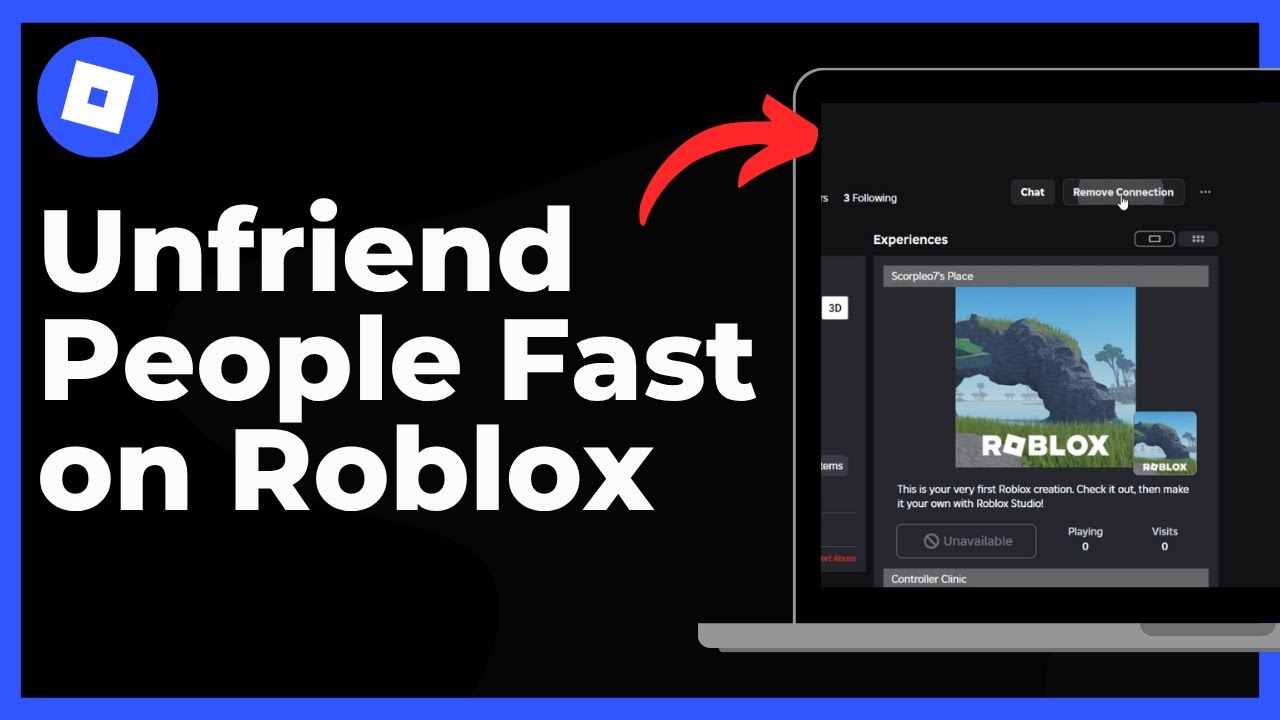


How To Unfriend Someone On Roblox 2025 Remove Friends Easily YouTube . How To Unfriend People On Roblox YouTube . How To Unfriend People Fast On Roblox Remove Friends In Roblox . How To Unfriend People Fast In Roblox Step By Step Tutorial 2025 . How To Check Who Unfriended You On Roblox 2025 Easy Fix YouTube
#4 Gallery how do you unfriend someone on roblox
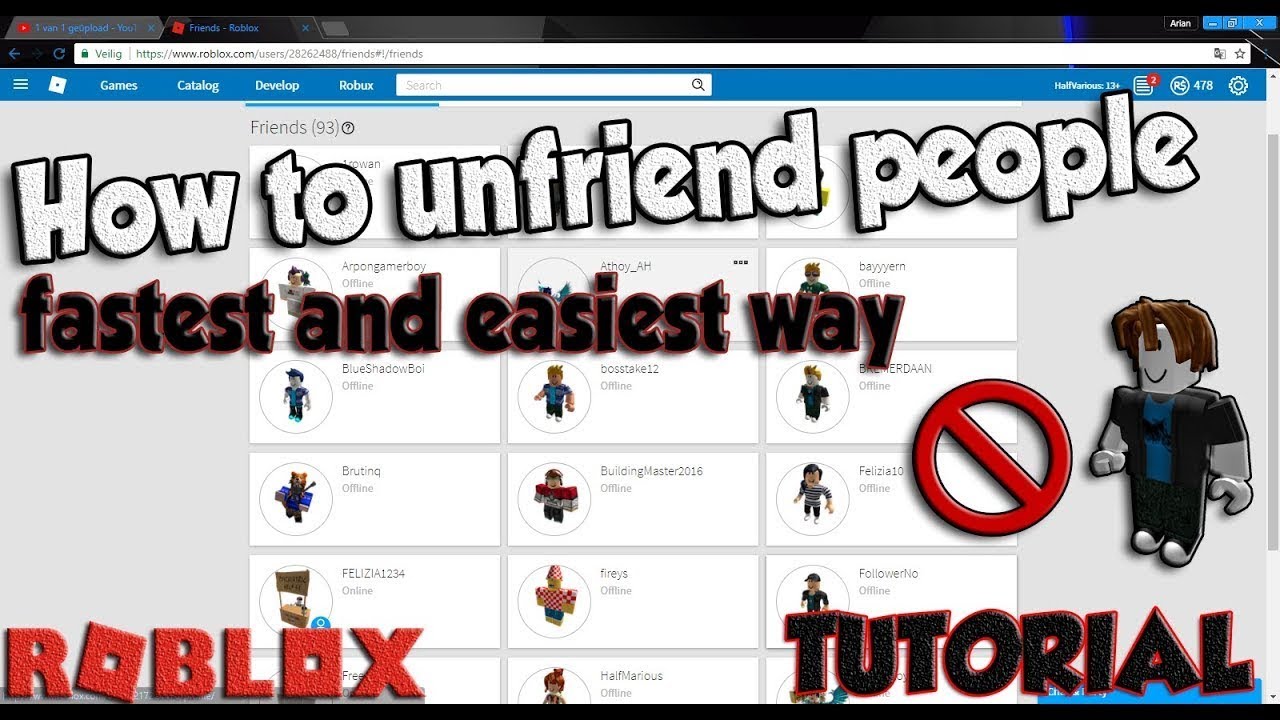

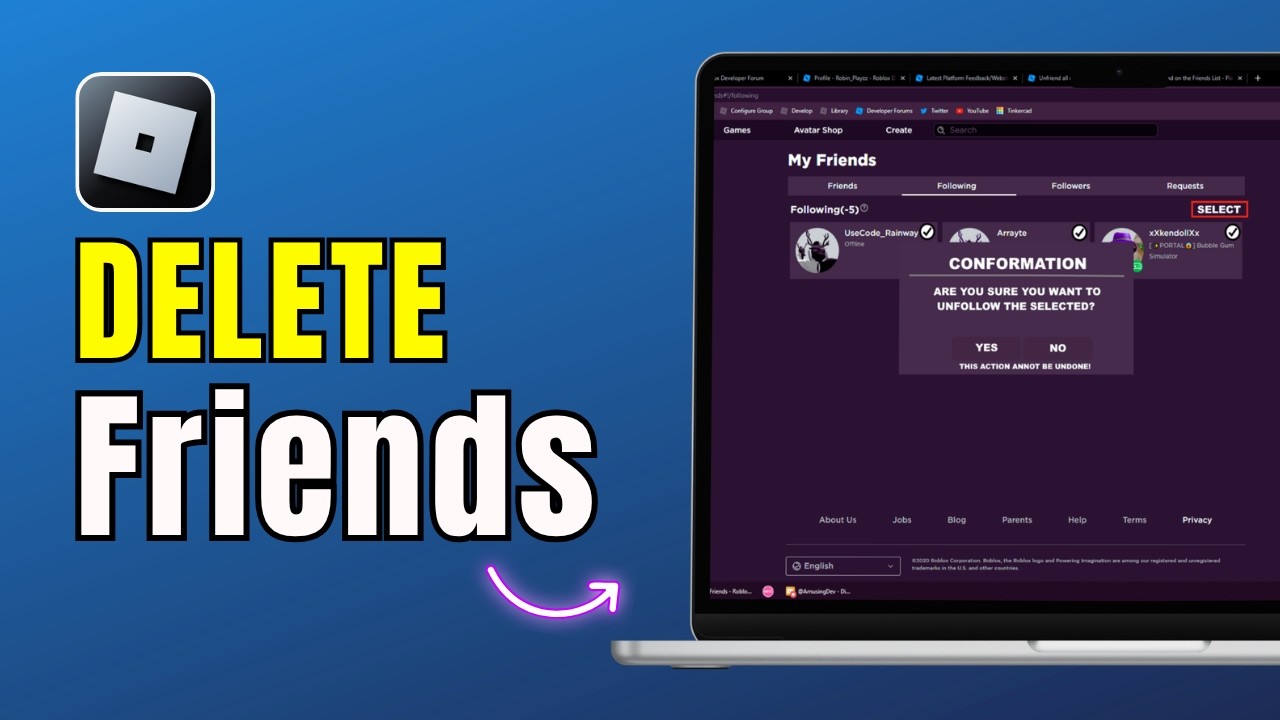

How To Unfriend Someone On Roblox On PC New Update YouTube . How To Unfriend People FAST On Roblox FASTEST EASIEST WAY YouTube . How To Unfriend People On Roblox FAST Mobile Tutorial YouTube . How To Unfriend People On Roblox Fast Quick Guide 2026 Remove . How To Unfriend Someone On Roblox Quick Guide YouTube
#5 Gallery how do you unfriend someone on roblox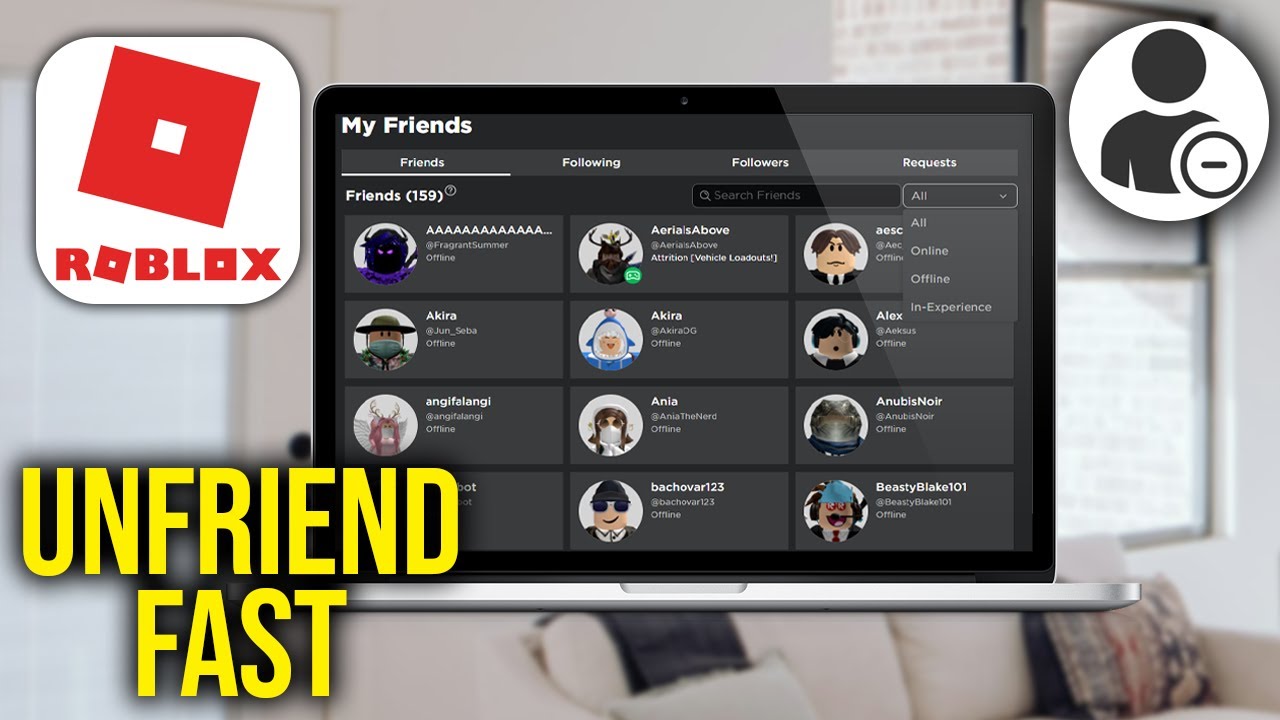


How To Unfriend People On Roblox FAST YouTube . How To Unfriend People Fast In Roblox YouTube . How To Unfriend People On Roblox FAST YouTube . How Do I Unfriend Someone On Roblox PC Mobile 2026 YouTube . How To Unfriend People On Roblox FAST YouTube
#6 Gallery how do you unfriend someone on roblox


How To Unfriend Everyone On Roblox At Once FAST EASY How To Unfriend Everyone On Roblox At Once . How To See Who Unfriended You On Roblox How To See Who Unfriended You On Roblox . How To Unfriend People Fast In Roblox 2026 Full Guide YouTube . How To See Who Unfriended You On Roblox Roblox Unfriend Option . How To Unfriend Someone On Roblox Quick Easy Guide 2026 YouTube
#7 Gallery how do you unfriend someone on roblox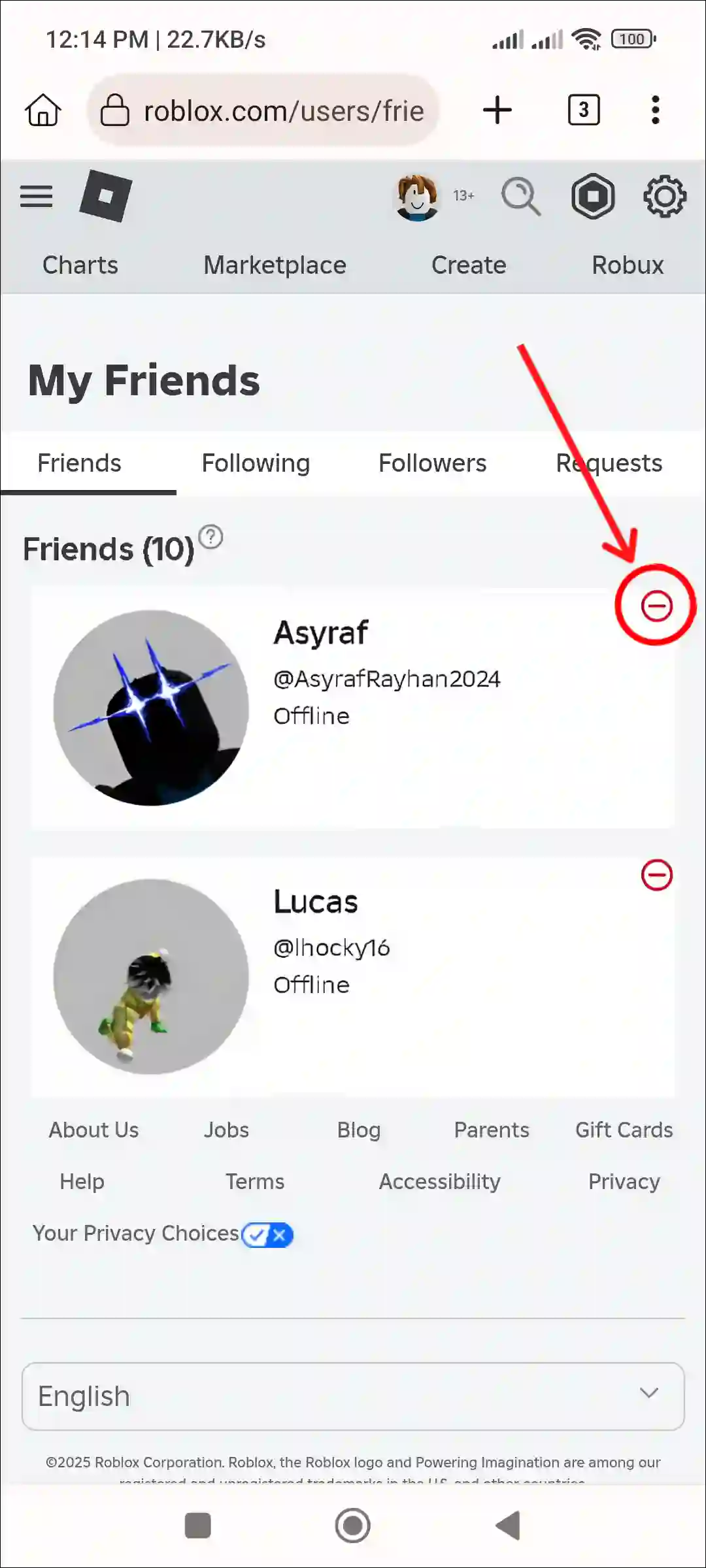



How To Unfriend People On Roblox Fast On Mobile PC Unfriend Someone On Roblox Fast Mobile.webp. How To Unfriend People Fast In Roblox 2026 TUTORIAL YouTube . How To Unfriend People On Roblox FAST YouTube . How To Add People Roblox Easily Your 2026 Guide Add Friend Icon 1024x952 . How To Unfriend Someone On Roblox 2025 Easy Guide YouTube